Synchronizations
This section allows to set up synchronization processes between SCAYLE and your CMS to facilitate your daily workflows and automate manual tasks. The Add-on features the following data syncs:
- Categories: create product listing pages in Storyblok for every new SCAYLE category.
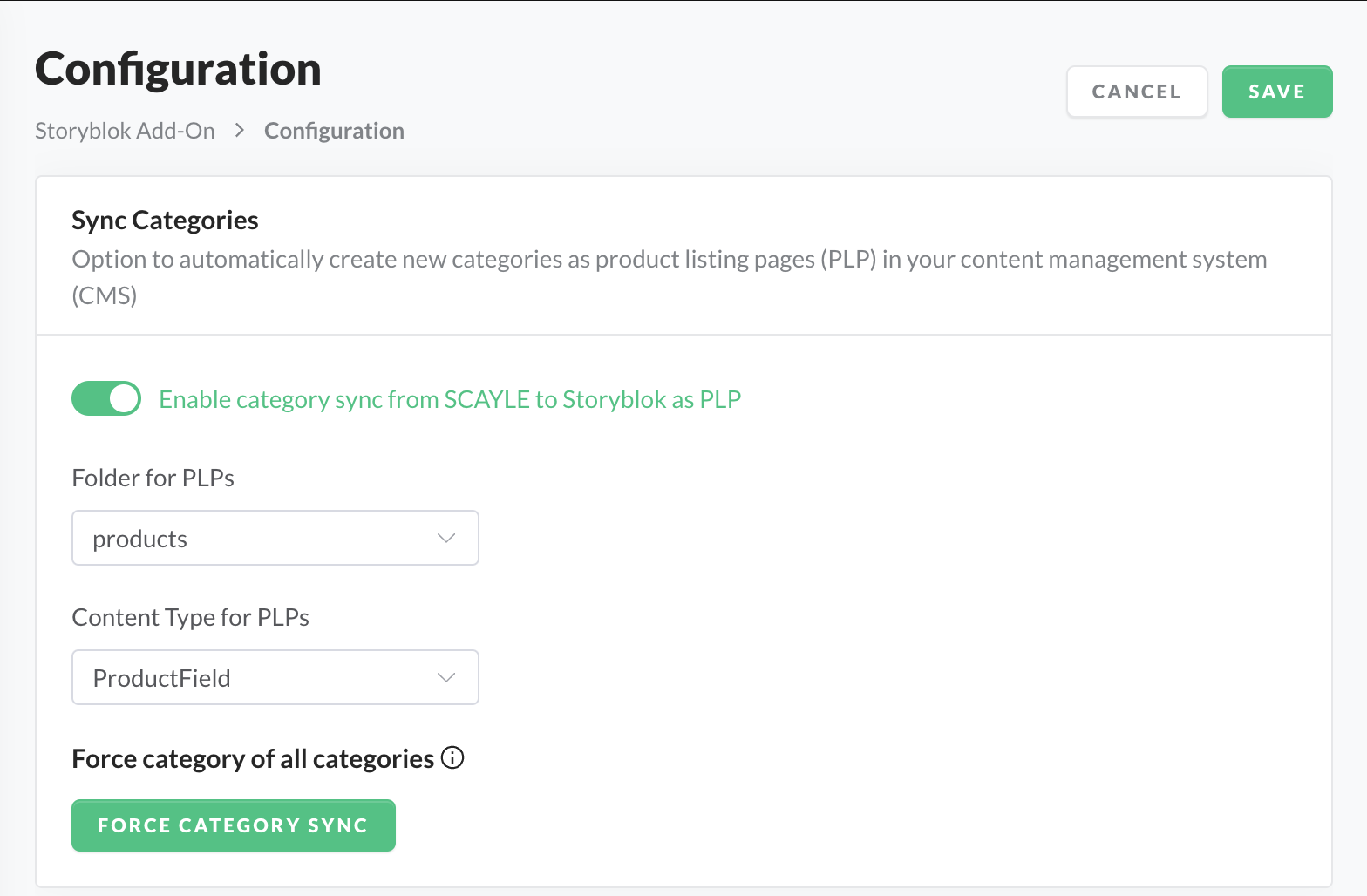
Setting up a category sync
- Go to Add-ons ➜ Storyblok Add-on ➜ Configuration.
- Toggle Enable category sync for SCAYLE to Storyblok as PLP to create a PLP in Storyblok for every new category.
- In Folder for PLPs, select the folder in your Storyblok space where the PLP entries are created.
- In Content Type for PLPs, select the Storyblok content type used for the created PLPs.
- Click SAVE.
- Optionally, click Force category sync to create all existing categories as PLPs, for example when importing your categories to Storyblok for the first time.