

Recently Viewed Products
The "Recently Viewed Products" slider provides a convenient, personalized list of items a user has recently browsed. This feature encourages re-engagement by helping customers easily revisit products they've shown interest in.
Core Functionality
This feature relies on client-side logic to ensure privacy and immediate responsiveness.
- Client-Side Storage: Product IDs are stored directly in the user's browser (Local Storage).
- Persistence: The list is unique to each shop and persists even if the user closes the tab and returns later.
- Smart Prioritization: When a product is revisited, it is automatically moved to the top of the list.
- FIFO Logic: If the storage limit is reached, the oldest item is removed to make room for the newest.
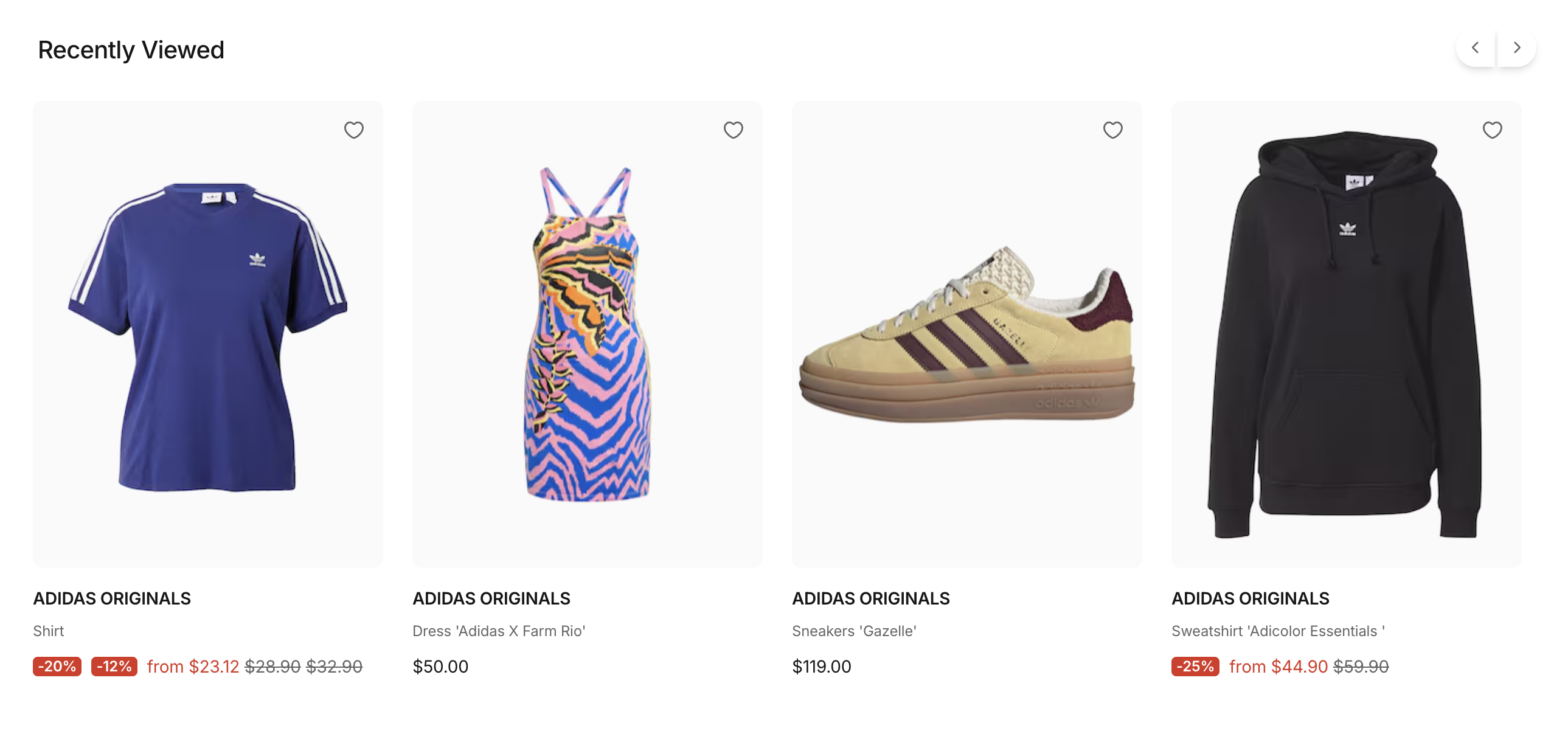
Recently Viewed Products on the PDP
Two Ways to Deploy
Like other recommendation types, Recently Viewed can be implemented via code or placed dynamically via the CMS.
1. Developer Implementation (Code-Based)
For custom templates or specific placement within a page layout, use the <SFRecentlyViewedProductsSlider /> component and the useRecentlyViewedProducts composable. This composable is responsible for saving up to 10 product IDs to local storage and loading the associated product data.
Whenever a product is viewed, it can be added to the list via the addProductId() function. The full product data for the stored IDs can then be loaded using loadMissingProducts().
Since Product IDs are saved within local storage, addProductId() and loadMissingProducts() can only be used on the client.
To display the last seen products, simply place the <SFRecentlyViewedProductsSlider /> component anywhere in your layout. Once loadMissingProducts() finishes, the component will automatically display all loaded products.
Customizing Recently Viewed Products Limit
The Recently Viewed Products feature defaults to storing and displaying up to 10 product IDs. You can adjust this maximum limit globally via the Nuxt runtime configuration:
2. Business User Deployment (CMS-Based)
The <SFRecentlyViewedProductsSlider /> is available as a CMS Component. This allows merchandisers to:
- Global Placement: Add the slider to the Homepage, Basket, Promotion pages.
- Contextual Discovery: Place it below "Similar Products" on the PDP to create a fallback discovery path.
- No-Code Updates: Enable or disable the slider across different shops instantly via your CMS interface.


