

Export your Monitoring
Monitoring Exporter
One of the options Storefront Hosting offers in the "Settings" section is "Monitoring Exporter", which enables you to export the monitoring data, like logs, metrics and traces, to an external monitoring service your organization is using, all through Open Telemetry.
The focus is to empower you to use your preferred, familiar monitoring platform for deeper analysis of the application health and behavior. It ensures you maintain full observability and control over your Storefront Application's performance, even as the underlying infrastructure is managed by us.
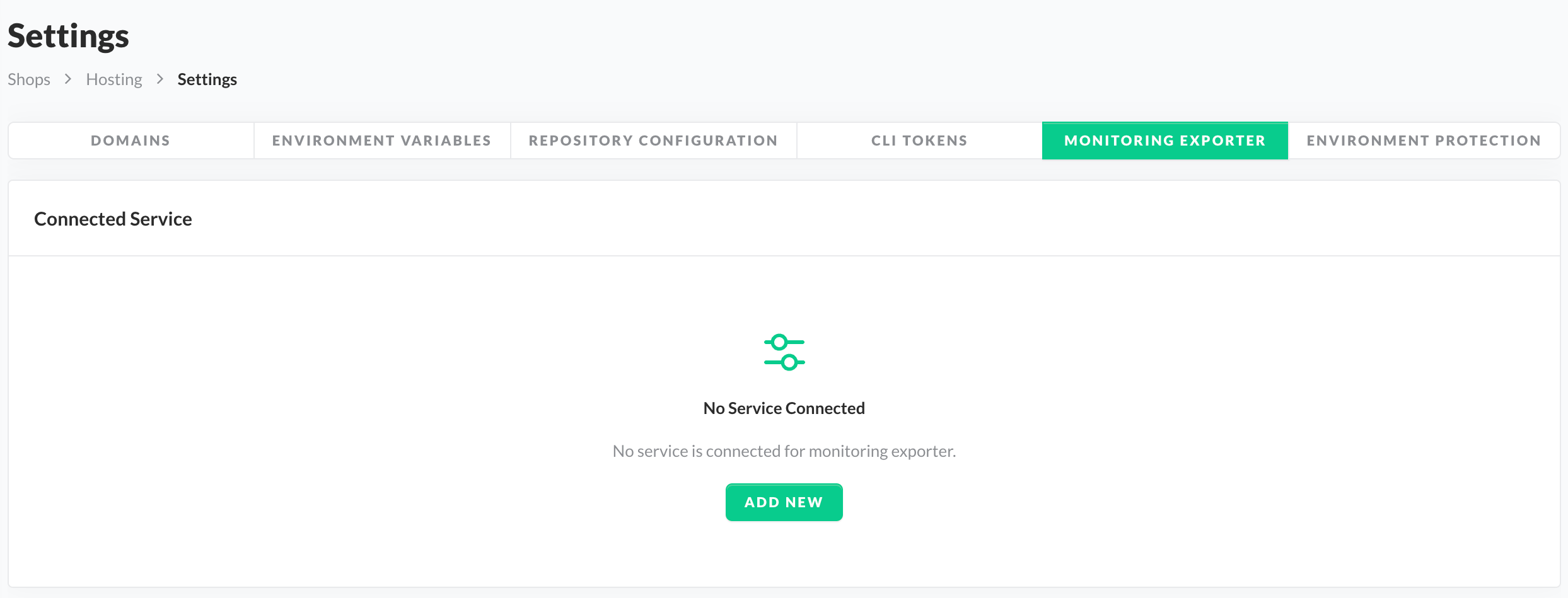
Monitoring Exporter
To add a service, simply click on the "Add New" button and fill in the required configuration. Once the connected service has been saved, the integration is ready to be used. Currently supported services are:
We are simultaneously working on expanding the list to other monitoring services.
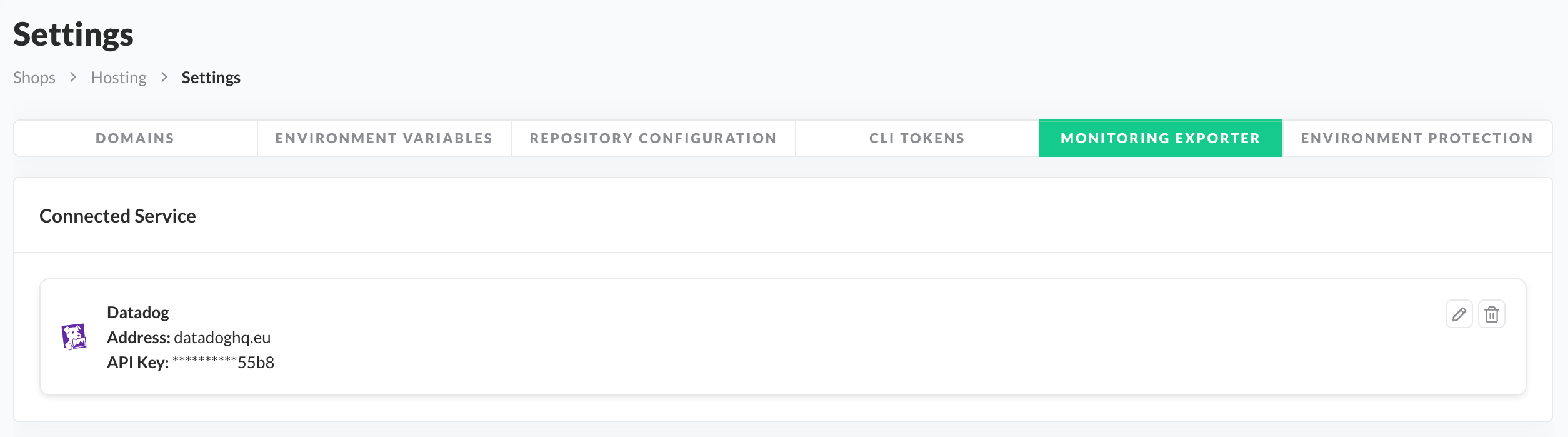
Connected Monitoring Exporter
Telemetry Settings
As an additional capability within the Monitoring Exporter section, we provide the option to adjust specific telemetry settings. This configuration is decoupled from the main exporter setup, meaning you can update these settings before the monitoring exporter is even added.
This addresses common naming conflicts by allowing you to override default labels, such as Service Name or Environment Name, ensuring clarity, accurate filtering, and efficiency within your monitoring exporter.It offers the option to change:
- Service Name
- Primary service identifier for the Open Telemetry data of your Storefront application.
- Default value:
storefront.
- Sampling Rates
- It refers to the percentage or frequency of data points, such as logs and traces, that are actually collected and sent to a monitoring exporter for analysis.
- It is important as a mechanism for data visibility.
- Default value for logs:
100%. - Default value for traces:
10%.
The current Sampling Rates are read-only and cannot be configured in the SCAYLE Panel.
Wish to adjust the rates? Please contact your SCAYLE Account Manager for support.
- Environments
- It lists all SCAYLE-created environments of your Storefront application.
- As mentioned in the , SCAYLE will always create one pre-defined environment for you as part of the initial setup.
- The value of the pre-generated environment, also used for Open Telemetry data, is
main.
- The value of the pre-generated environment, also used for Open Telemetry data, is
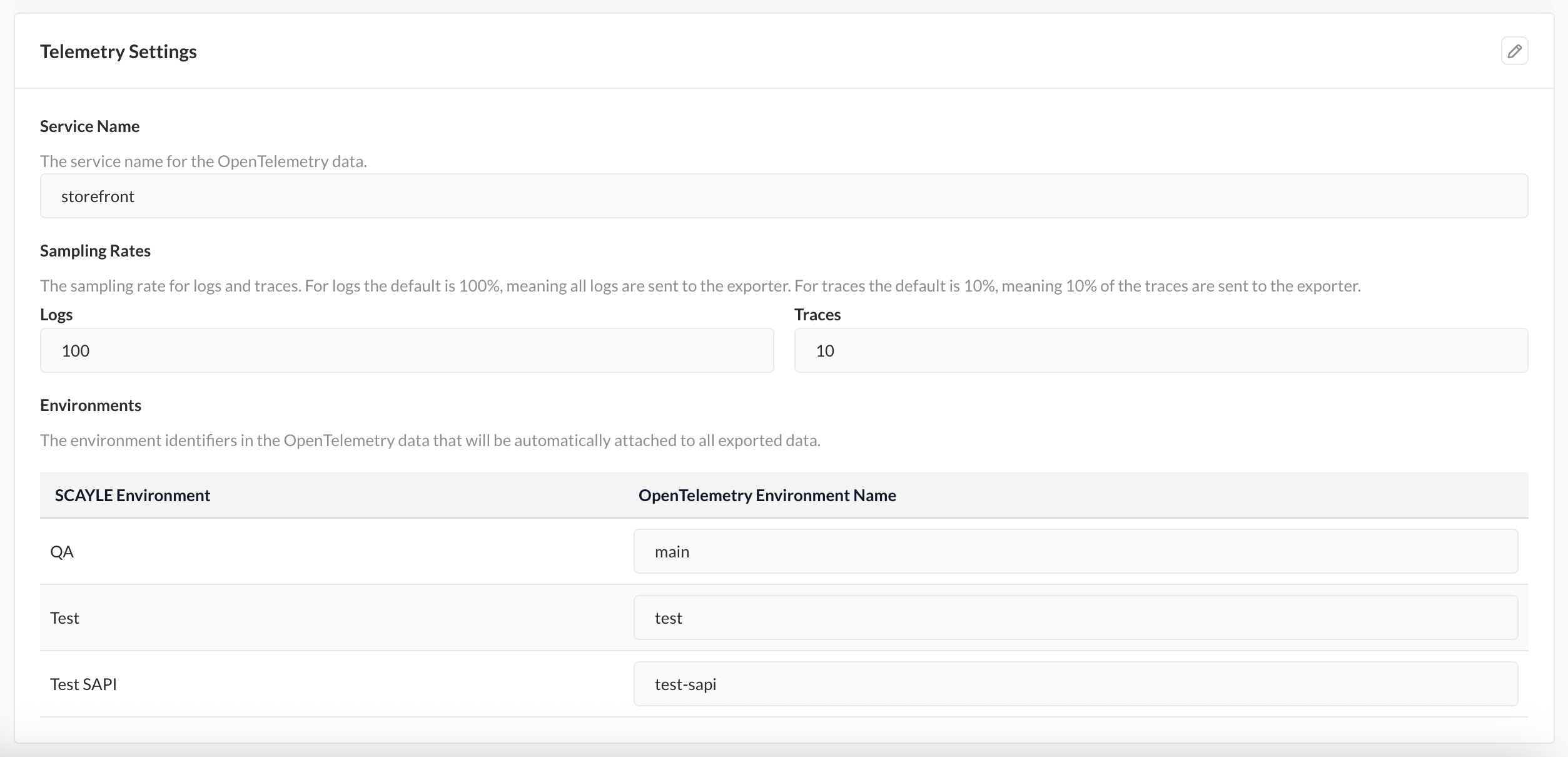
Telemetry Settings

