

CLI Tokens
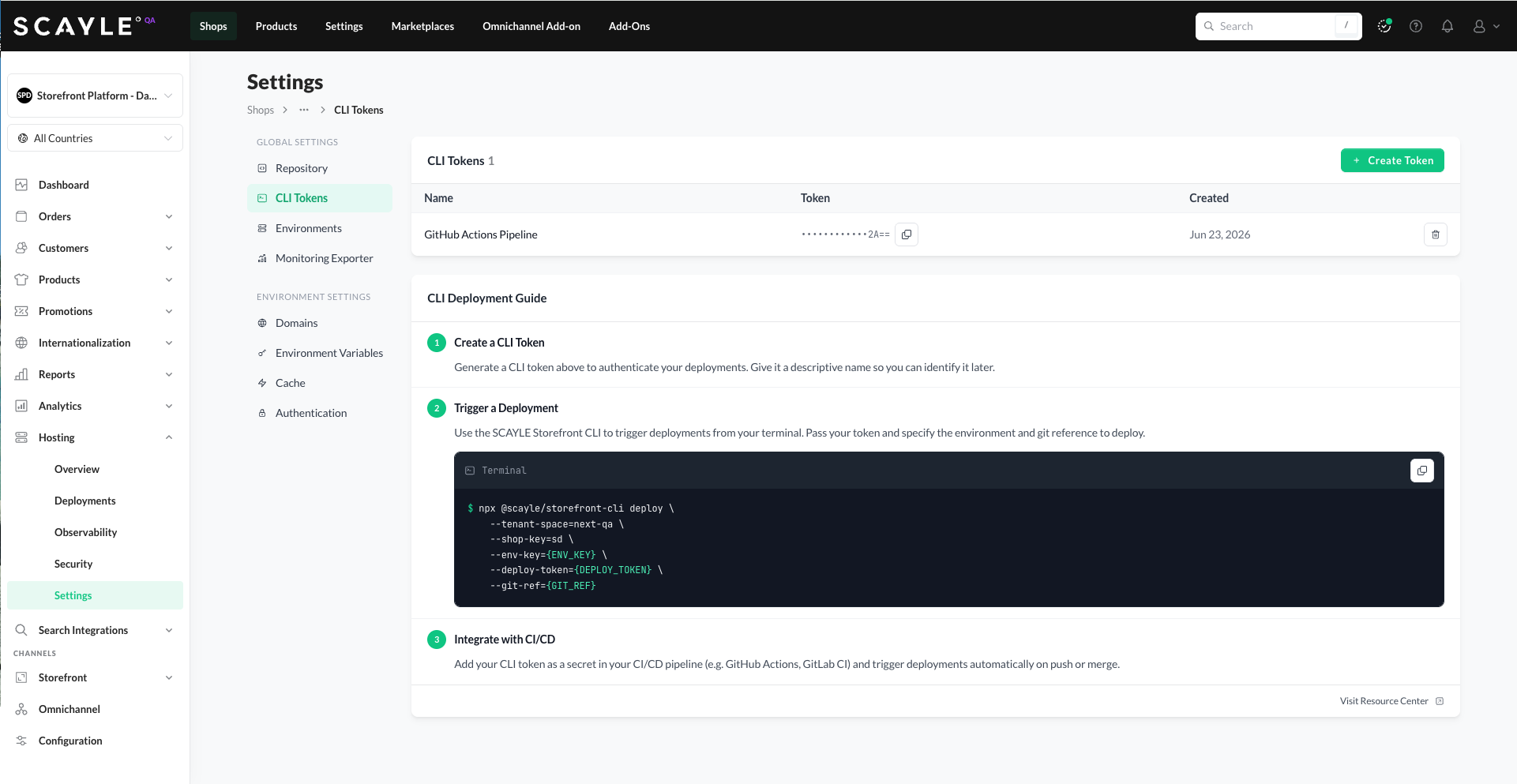
CLI Tokens are secure credentials that authenticate the SCAYLE Storefront CLI when triggering deployments. Tenants typically use the CLI within their existing CI/CD pipelines (GitHub Actions, GitLab CI, and similar) to automate deployments without needing to log in via the SCAYLE Panel.
Managing tokens
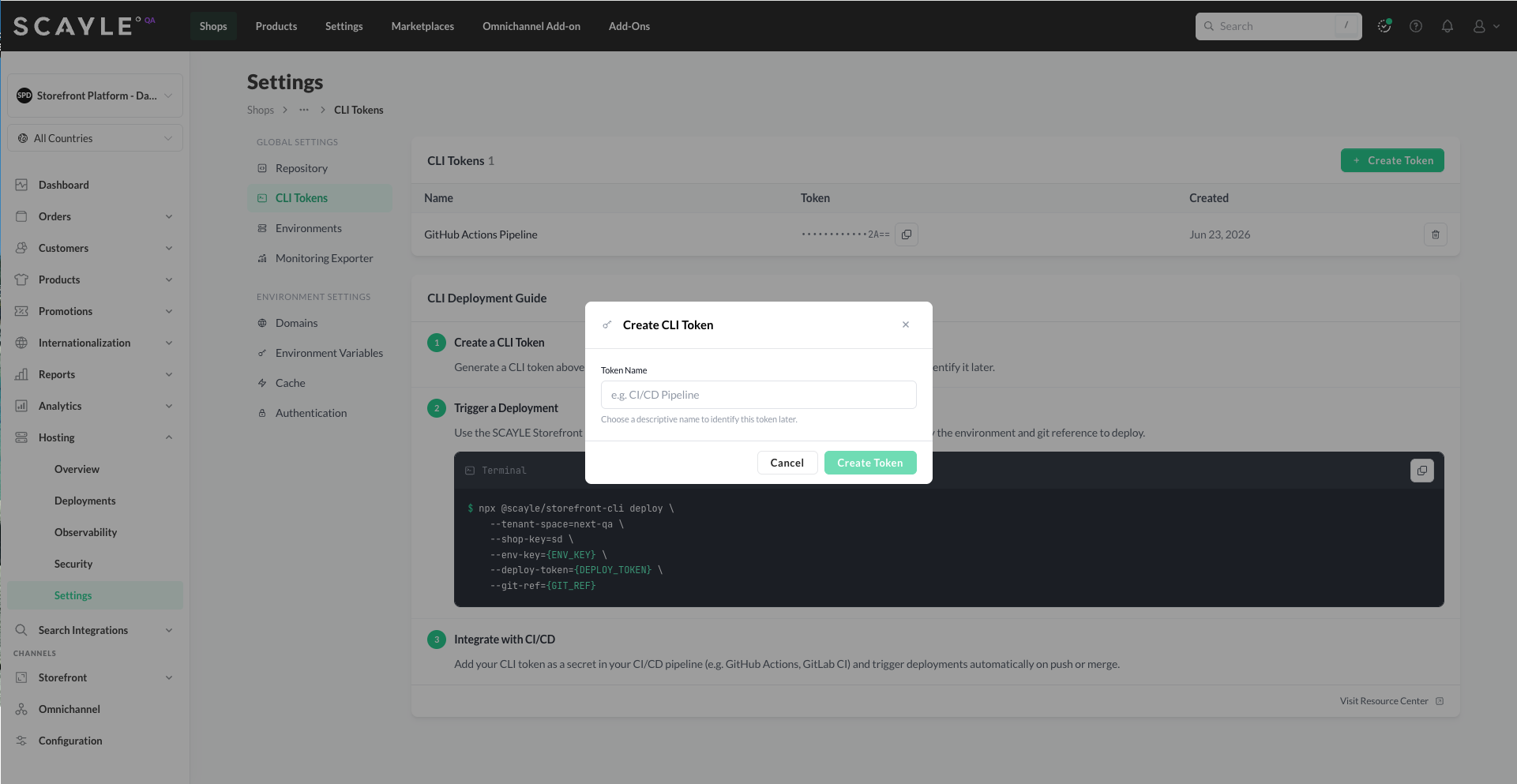
Click the + Create Token button to create a new CLI Token. Only a Token Name field is required - choose a descriptive name that identifies where the token will be used (e.g., GitHub Actions Pipeline, Local dev).
Once created, you can:
- Copy the token - click the copy icon next to the masked token value. You can copy a token at any time, not just at creation.
- Remove the token - click the trash icon to revoke it. The token stops working immediately, so any CLI command or CI/CD pipeline using it will fail to authenticate after revocation.
For the full deploy command and CI/CD integration examples, see Deployment Actions → From the Storefront CLI. For installation options and the full CLI reference, see Storefront CLI.


