

Pricing & Discounts
Every price a customer sees, and every reason it is lower than the list price, comes from one mapped price. The Storefront Application V3 maps the price and reduction data it gets from the SCAYLE Storefront API on the server, and the product card, the product detail page, and the basket line all render that same result. You set sales, campaigns, promotions, and promotion codes in the SCAYLE Panel, and the storefront shows them.
Why it matters
A customer compares prices as they move from a listing to a product to the basket. If the number changes between those pages, the customer stops trusting the shop. Pricing explains how the server makes these decisions.
Your shop team works in the SCAYLE Panel. A sale, a campaign, or a promotion reaches the storefront as a reduction with its own category, so a customer can tell why a price is lower and you do not write mapping code for each one.
Try it
Try it: open the sale category in the demo shop
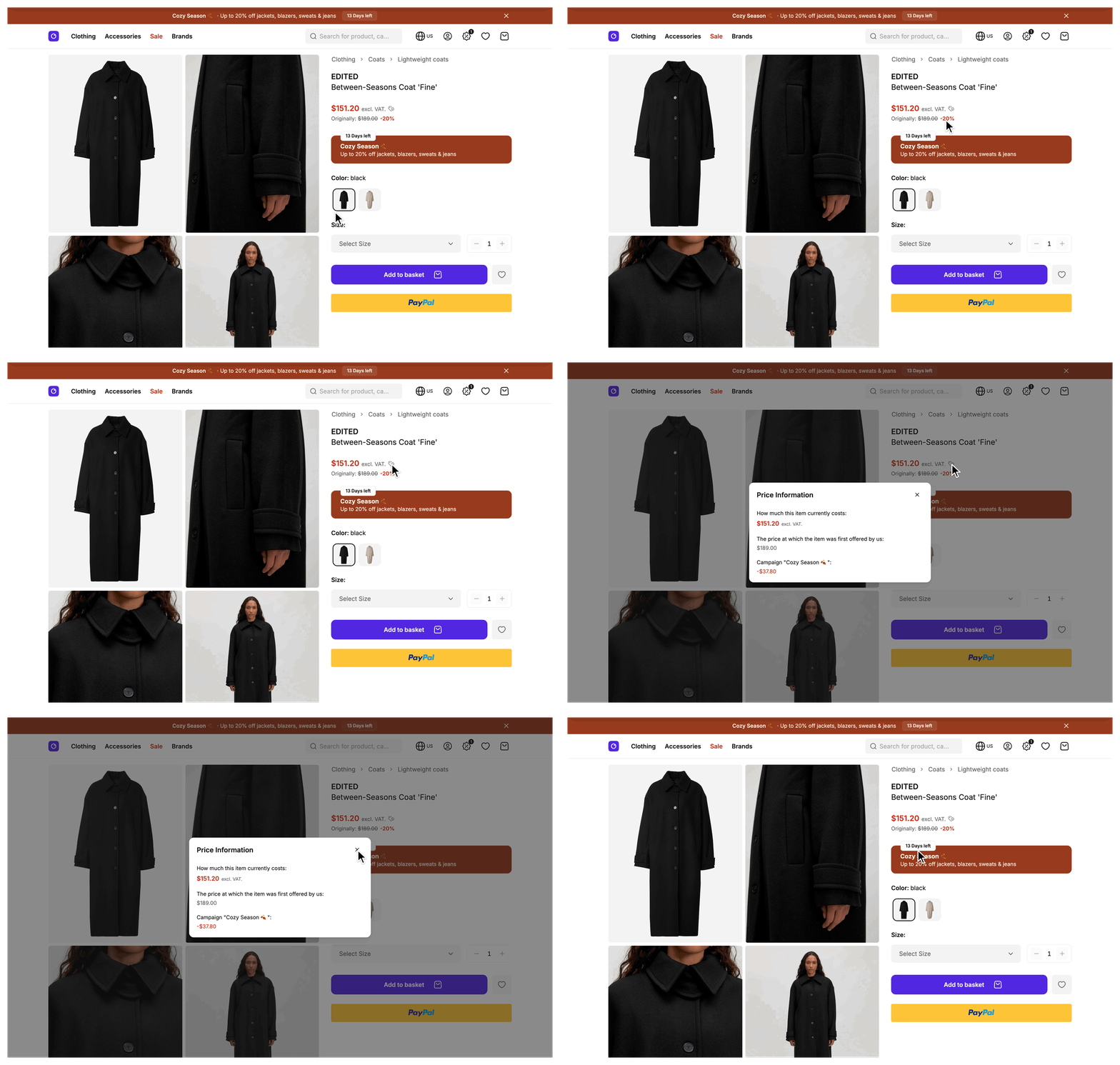
Pick a reduced product and compare its card, its detail page, and its basket line. The reason a price is lower varies: it might be a sale, a campaign, or a promotion the customer qualifies for.
What's included
- Shared price shape: Pricing covers the mapped price every product, basket line, and order line uses, with its integer amounts, formatted display strings, and the flags that decide which price lines to show.
- Sale reductions: Sales covers price reductions you set on a product in the SCAYLE Panel and how they show as a
salereduction on cards, the product detail page, and the basket. - Campaign pricing events: Campaigns covers the time-limited campaign your shop runs, with its ribbon, badges, deal banners, and basket display.
- Rule-based discounts: Promotions covers promotions such as Buy X Get Y, tiered, and minimum order value deals, and how the storefront matches them to products and shows their progress and savings.
- Customer-entered promotion codes: Promotion Codes covers the basket input that lets a customer apply a promotion that is not active on its own, and the procedures behind it.
What you can change
Configure
- Which products are on sale, which campaigns and promotions run, which codes trigger a promotion, and the lowest prior price rules, all in the SCAYLE Panel. See Sales, Campaigns, Promotions, and Promotion Codes.
- Currency display per country. See Pricing.
Theme
- The price lines, the sale badge, and the reduction dialog in
src/client/components/product/. See Pricing. - The sale, campaign, and promotion colors and the deal components. See Sales, Campaigns, and Promotions.
- The promotion code input, chips, and messages. See Promotion Codes.
Extend
- Change how a price is produced by overriding
mapPriceandmapVariantPriceonProductMapperServiceandmapPriceonBasketMapperService. See Pricing and Sales. - Add a field to the campaign in
CampaignMapperService, or choose which campaign wins by overridingresolveActiveCampaignonCampaignsService. See Campaigns. - Add a field to a promotion by overriding
mapPromotiononPromotionMapperService, or change how promotions match products. See Promotions. - Change what applying or removing a promotion code accepts or does by rebuilding the procedure with
buildRpcinsrc/server/api/index.ts. See Promotion Codes.


